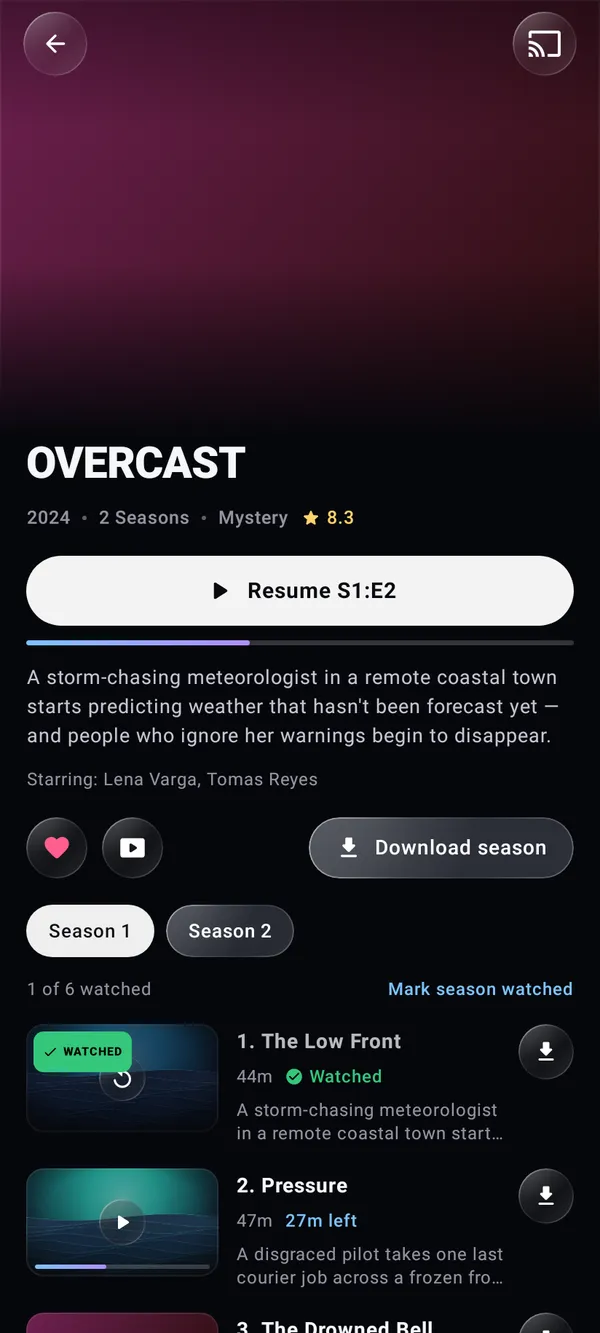
Pick up at the exact second
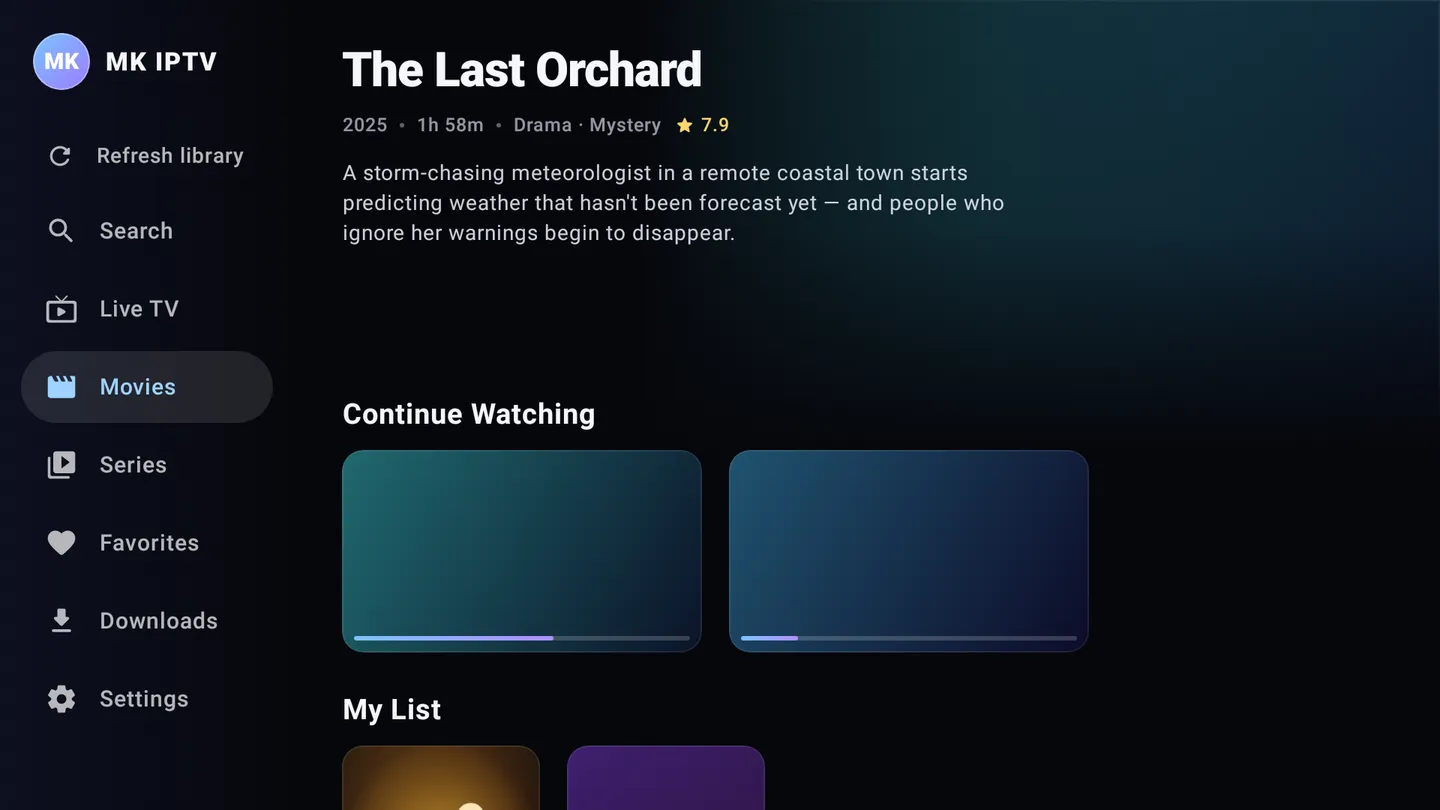
Your place is saved every 3 seconds and on every pause, so Continue Watching opens right where you left off, even after a restart. Finished episodes get a Watched mark and the next one waits as Up next.
For your Xtream Codes subscription
MK IPTV turns your playlist into Live TV, Movies and Series you can browse, resume and download, on iPhone, iPad, Mac, Apple TV, Android and Google TV.
A demo playlist is built in, so you can try everything before adding your own.
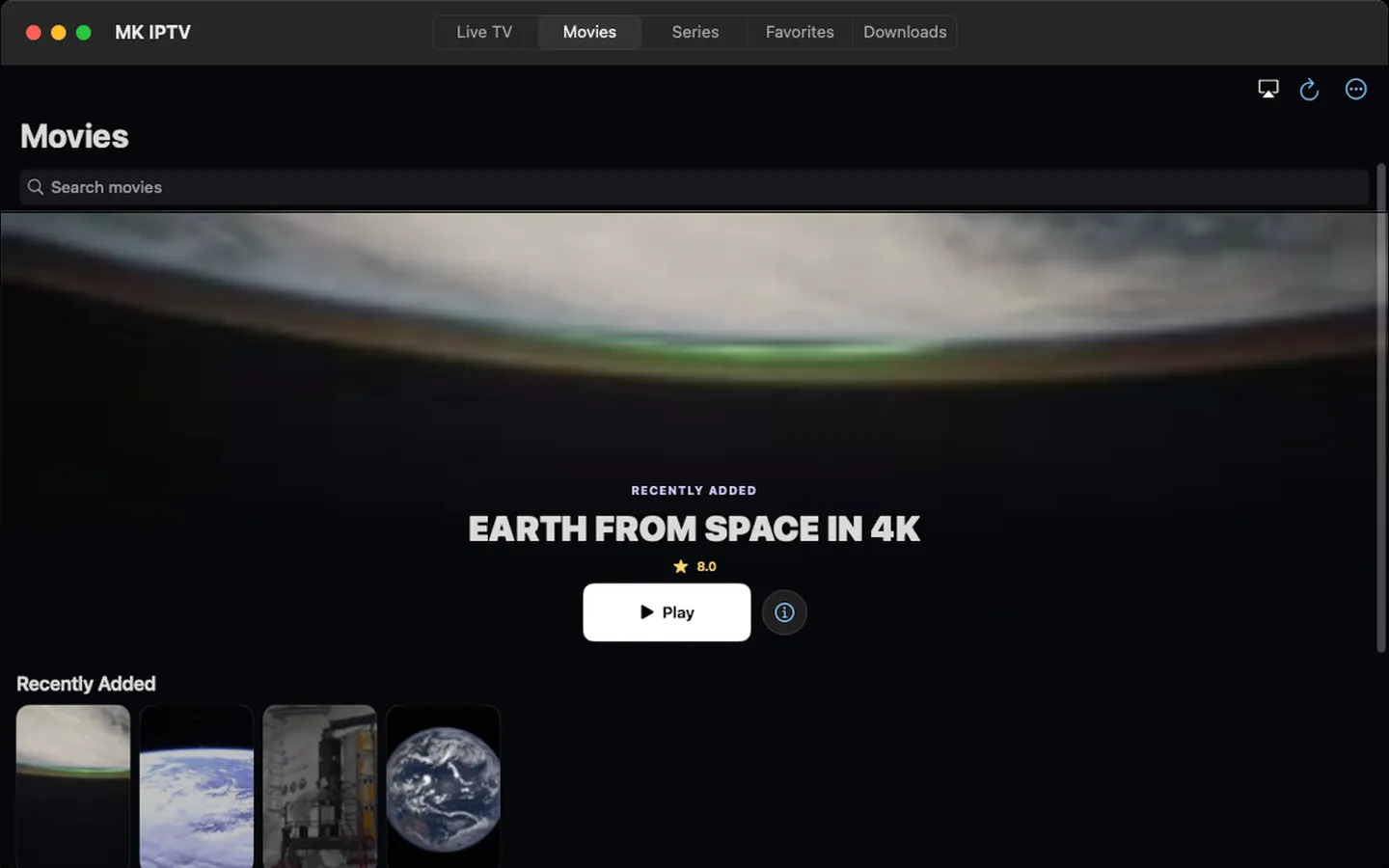
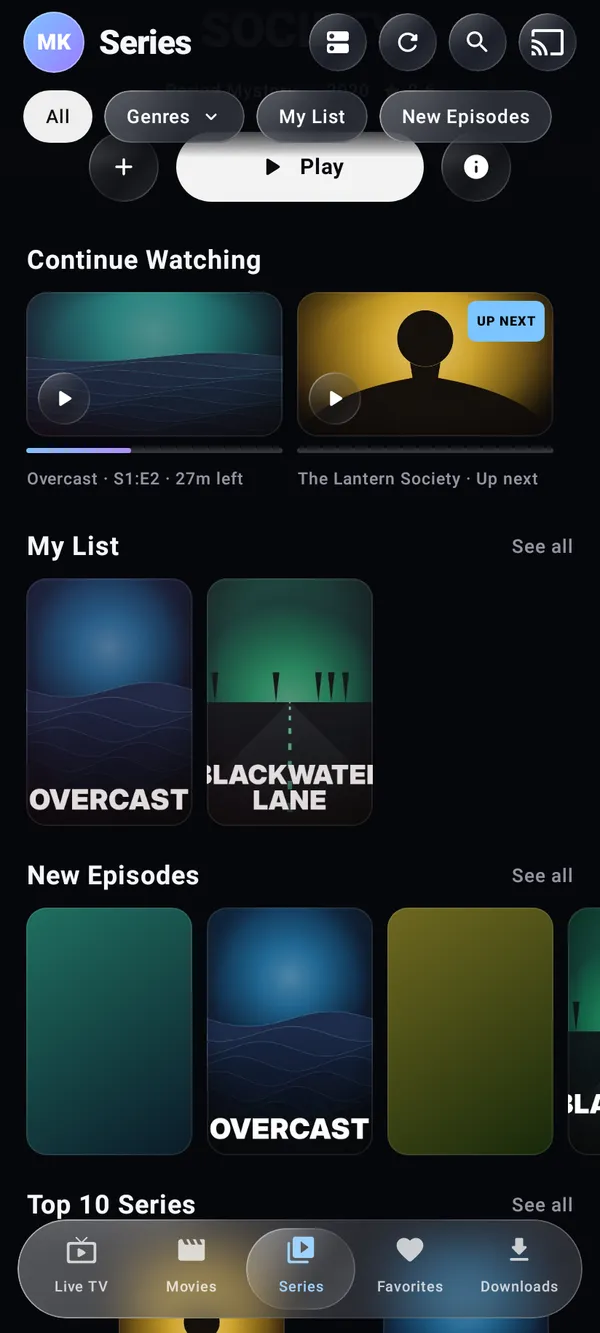
One app on every screen you own
Why MK IPTV
Features
Your place is saved every 3 seconds and on every pause, so Continue Watching opens right where you left off, even after a restart. Finished episodes get a Watched mark and the next one waits as Up next.
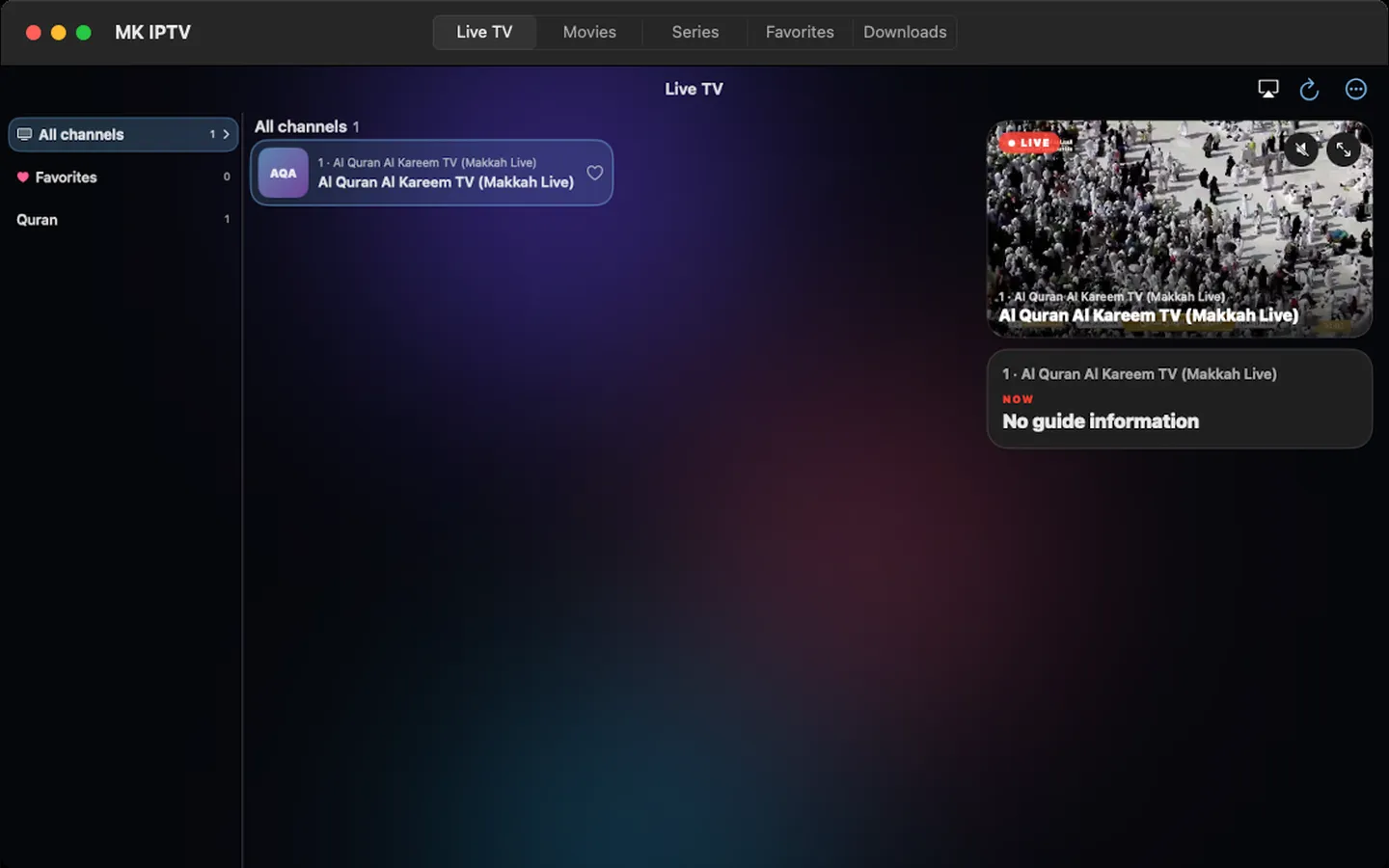
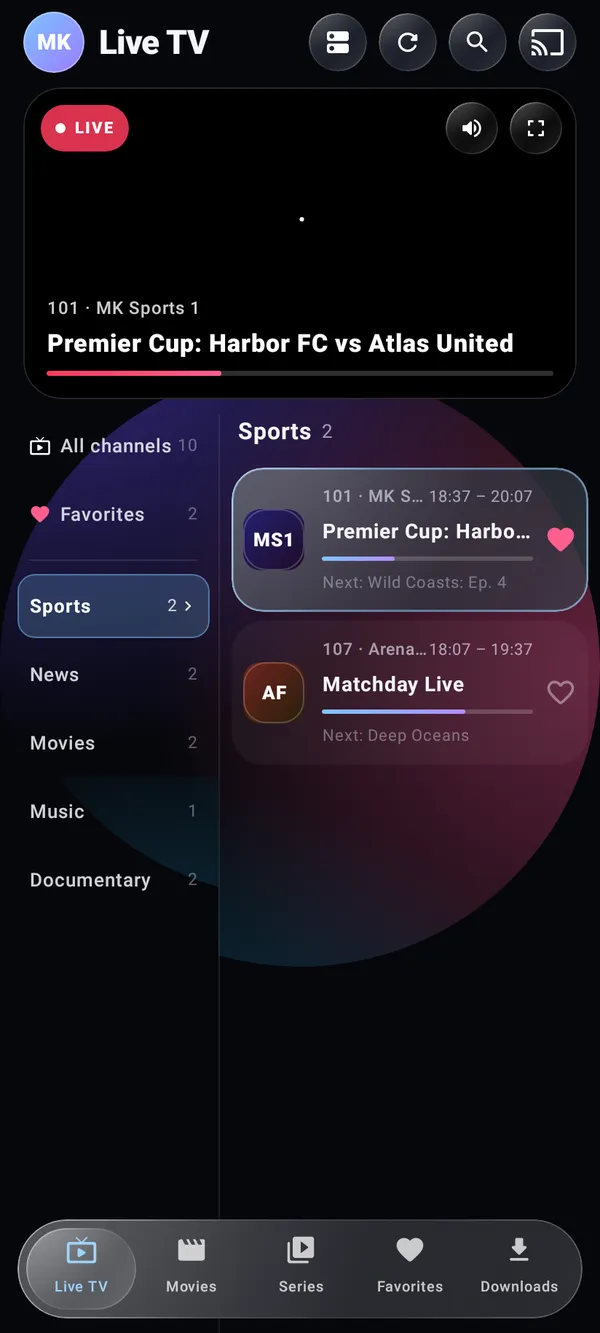
Categories on the left, channels on the right with what is on now and next, and a live preview beside them. Favourite a channel once and it is one press away on every device.
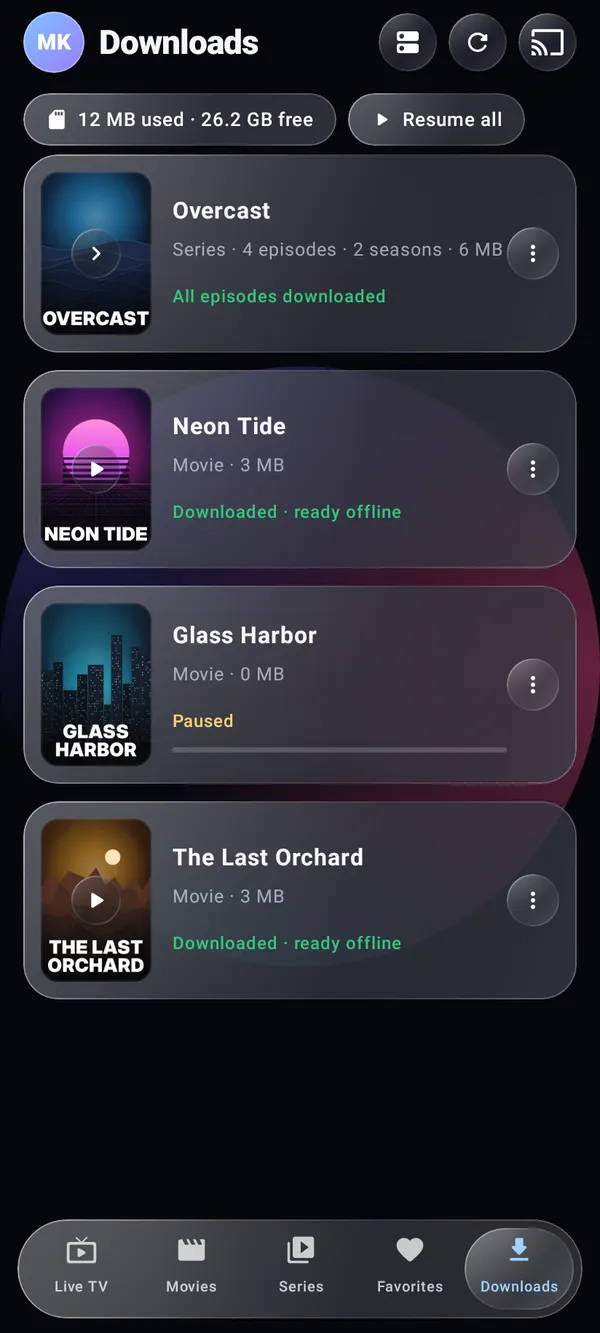
Download a film or every episode of a season and watch on a plane or in the car with no connection. Downloads keep going in the background and show their size and progress.
Sign in with Apple or Google, or link a device with an 8 character code. Playlists, profiles, favourites and watch history stay the same on your phone, tablet, Mac and TV.
Start a film on the sofa, finish it in bed. MK IPTV remembers your place on every screen.
Screens
How it works
On any of your screens. The demo playlist opens straight away, so you can look around first.
Enter the server address, username and password from your IPTV provider. Your library loads in seconds and stays cached.
Sign in with Apple or Google, or type an 8 character code on the TV. Everything appears there too.
Privacy
Playlist passwords live in the iOS Keychain or the Android Keystore, never in a plain file.
With sync on, passwords are encrypted end to end on your device first. The cloud only ever stores ciphertext.
No analytics and no advertising. Delete your synced data from Settings at any time.
FAQ
No. MK IPTV is a player. It plays the subscription you already have from your IPTV provider, using the Xtream Codes login they gave you.
Your provider's server address, username and password. Most providers send these when you subscribe. Until then the built in demo playlist lets you try every feature.
iPhone and iPad from the App Store, Android phones, tablets and Google TV as an app download, and native Mac and Apple TV versions that are currently in App Store review.
No. You can sign in with Apple or Google, or skip accounts and link devices with a one time 8 character code. Sync is off until you turn it on.
It is stored in the iOS Keychain or the Android Keystore. When you sync, it is encrypted on your device before upload, so the cloud copy can't be read.
Yes, for anything you download. Films and whole seasons download in the background and play offline. Live TV needs a connection.
Yes. Cast to Chromecast and Google TV, or use AirPlay to an Apple TV or AirPlay TV, straight from the player.
Apple's player can't open MKV and AVI files. Those titles play in the Android and Google TV apps, or you can cast them to a TV.
No account needed. Try the demo playlist first, then add your own.
Phones, tablets and TVs on Android 7 or later. Updates install from inside the app. Google Play is in testing.
Download for AndroidNative apps for Mac and Apple TV with the same library and sync.
Coming soon